New in Paydro
Autumn 2026
Paydro 9
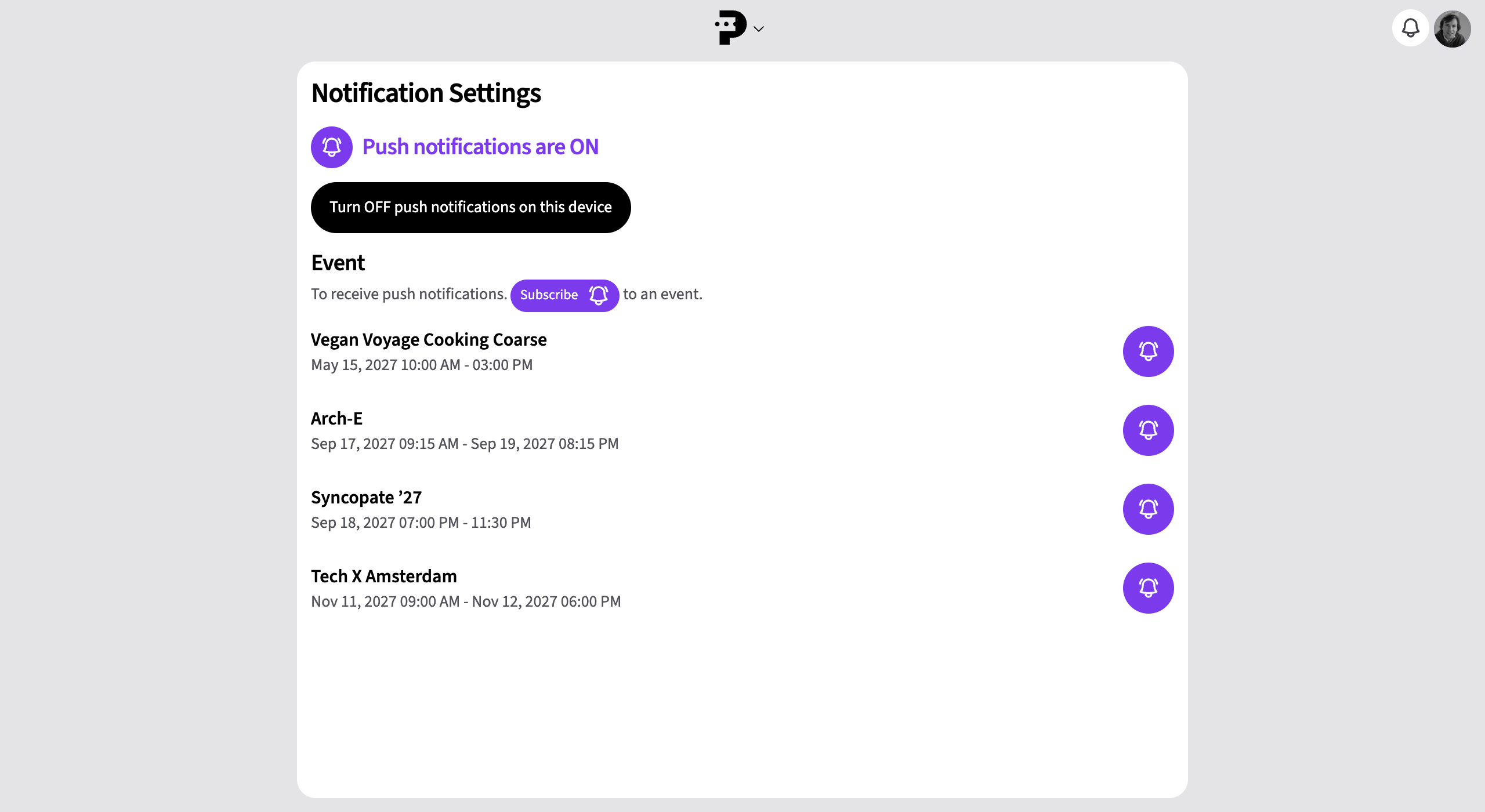
Find everything in one place, sign in with a passkey and follow your events with push notifications.

Secure sign-in.
Spring 2026
Paydro 8
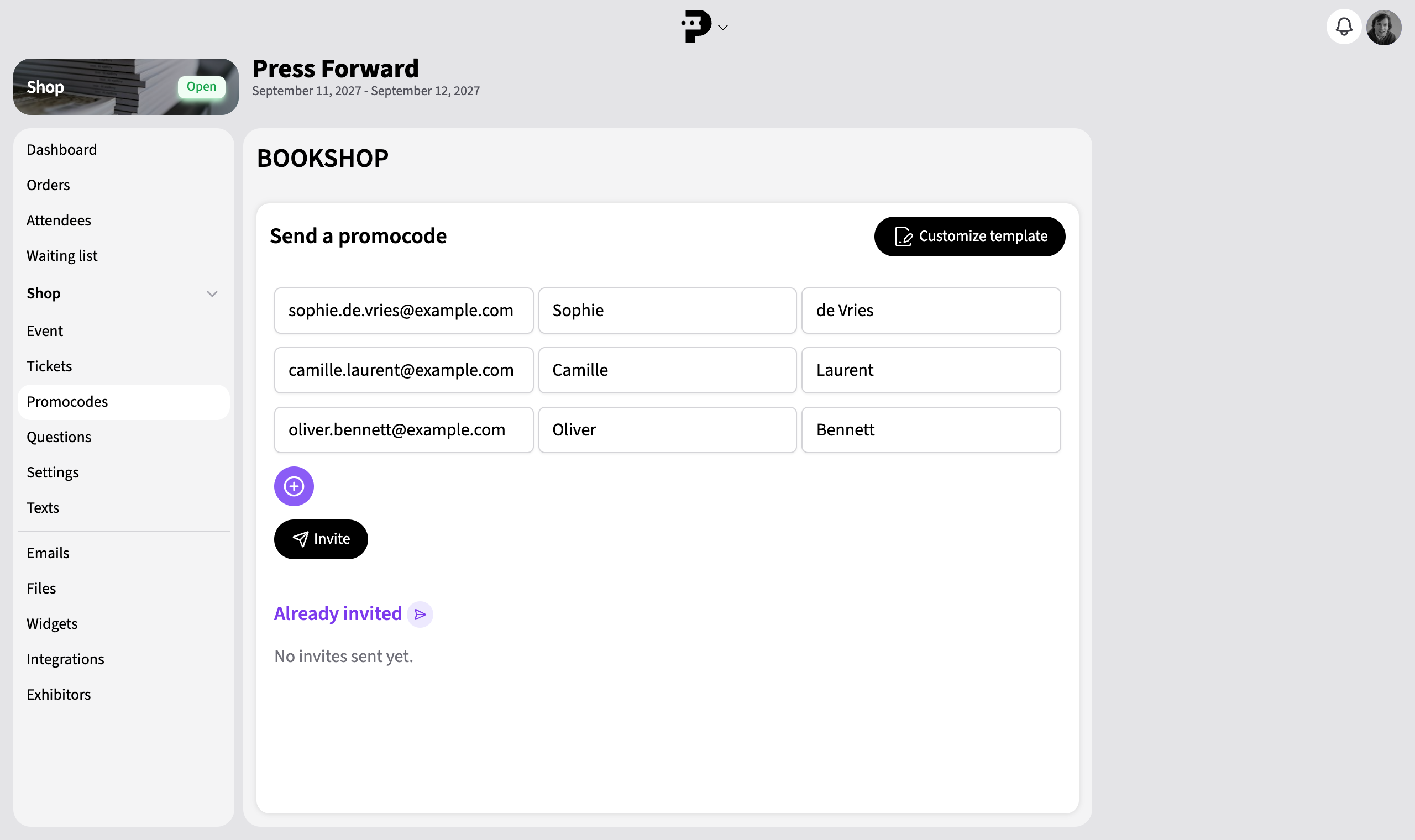
A redesigned ticket shop, promo codes by email and a clearer overview of your events.
Paydro tracks which promo codes have been sent and used, so you can see which codes are still available and avoid sending the same code twice.
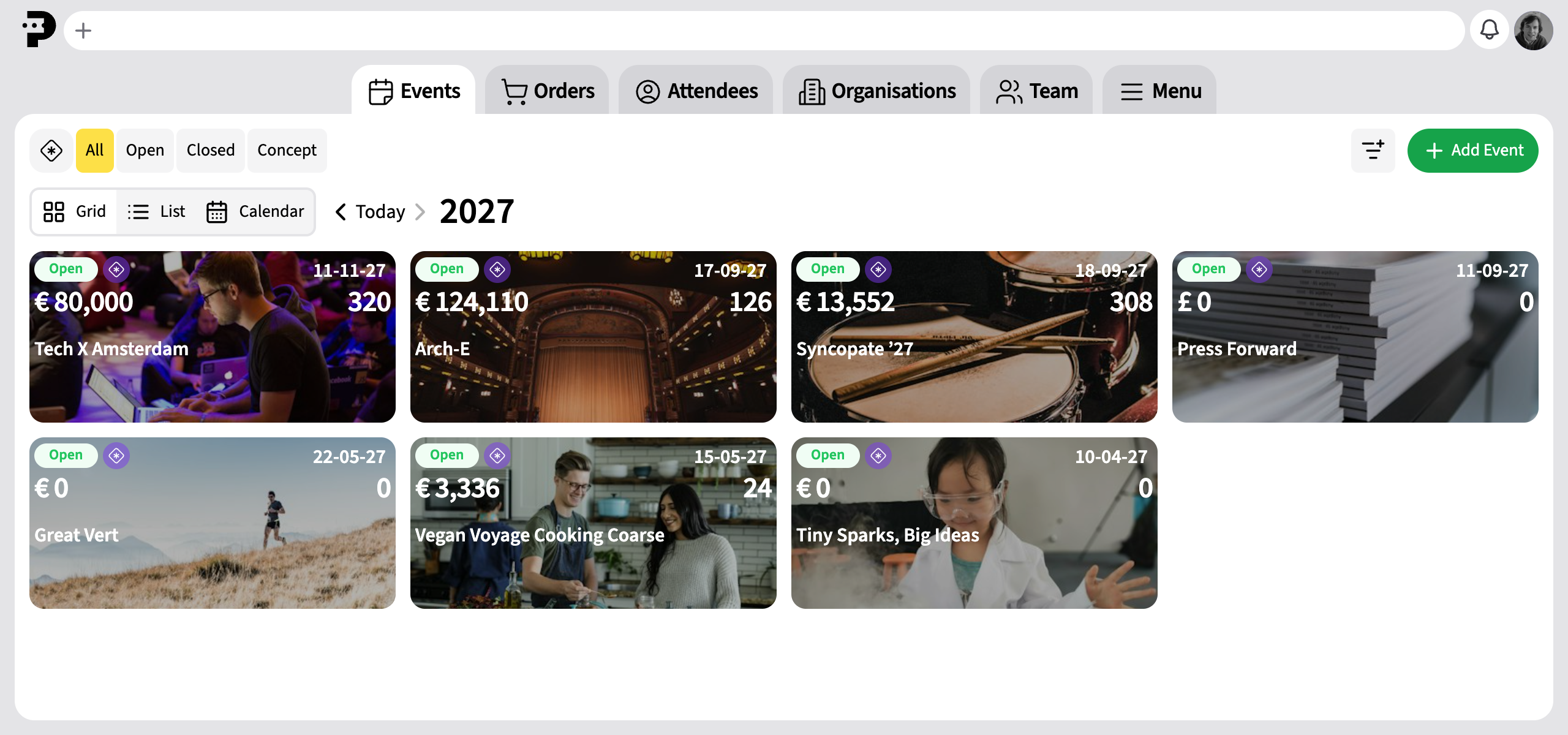
View your events as cards, a list, or a calendar and go straight to the event you need.
Search for events, orders, and attendees from the central navigation.
Autumn 2025
Paydro 7
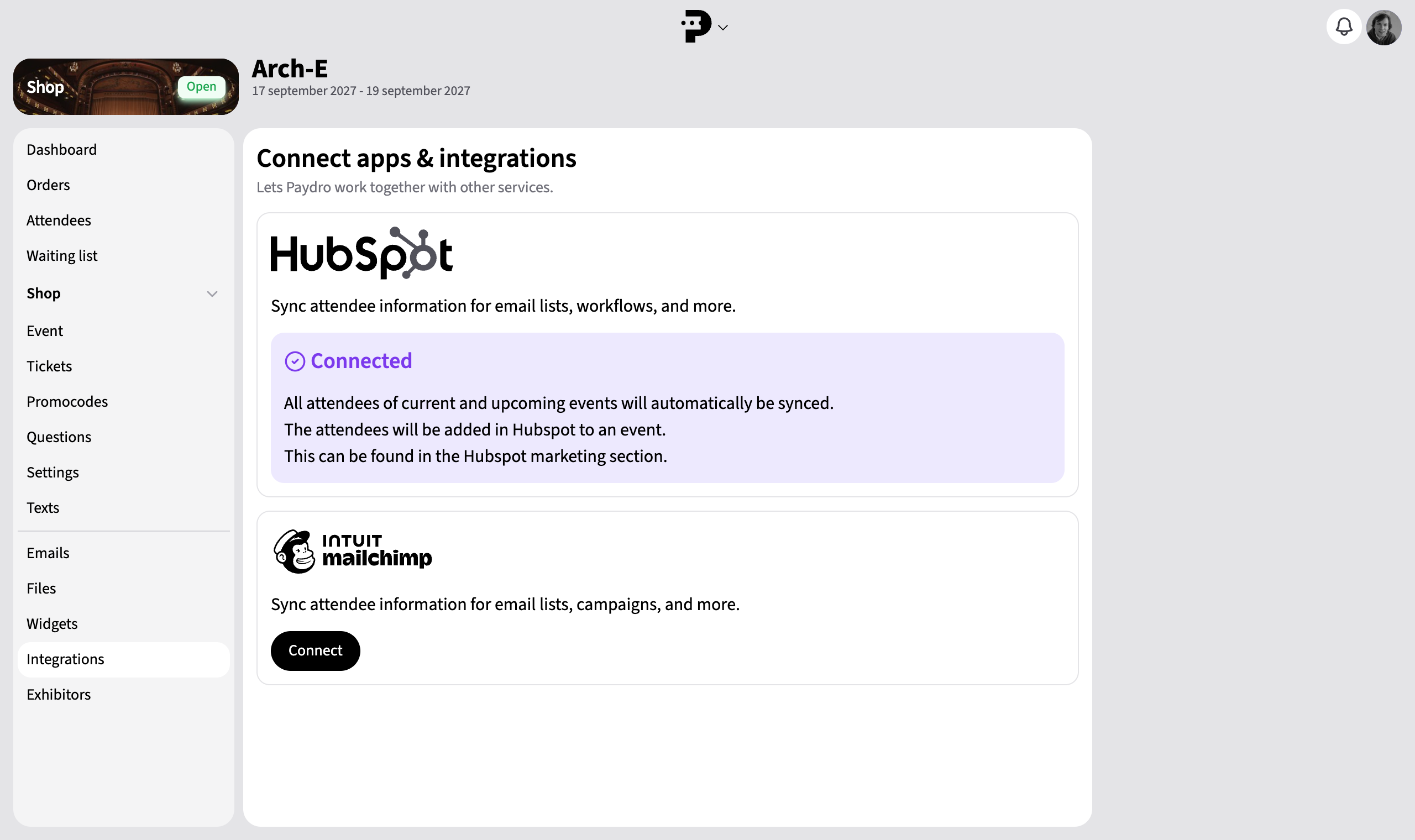
Connect Mailchimp and HubSpot, automate your mailings and give visitors direct access to their tickets.
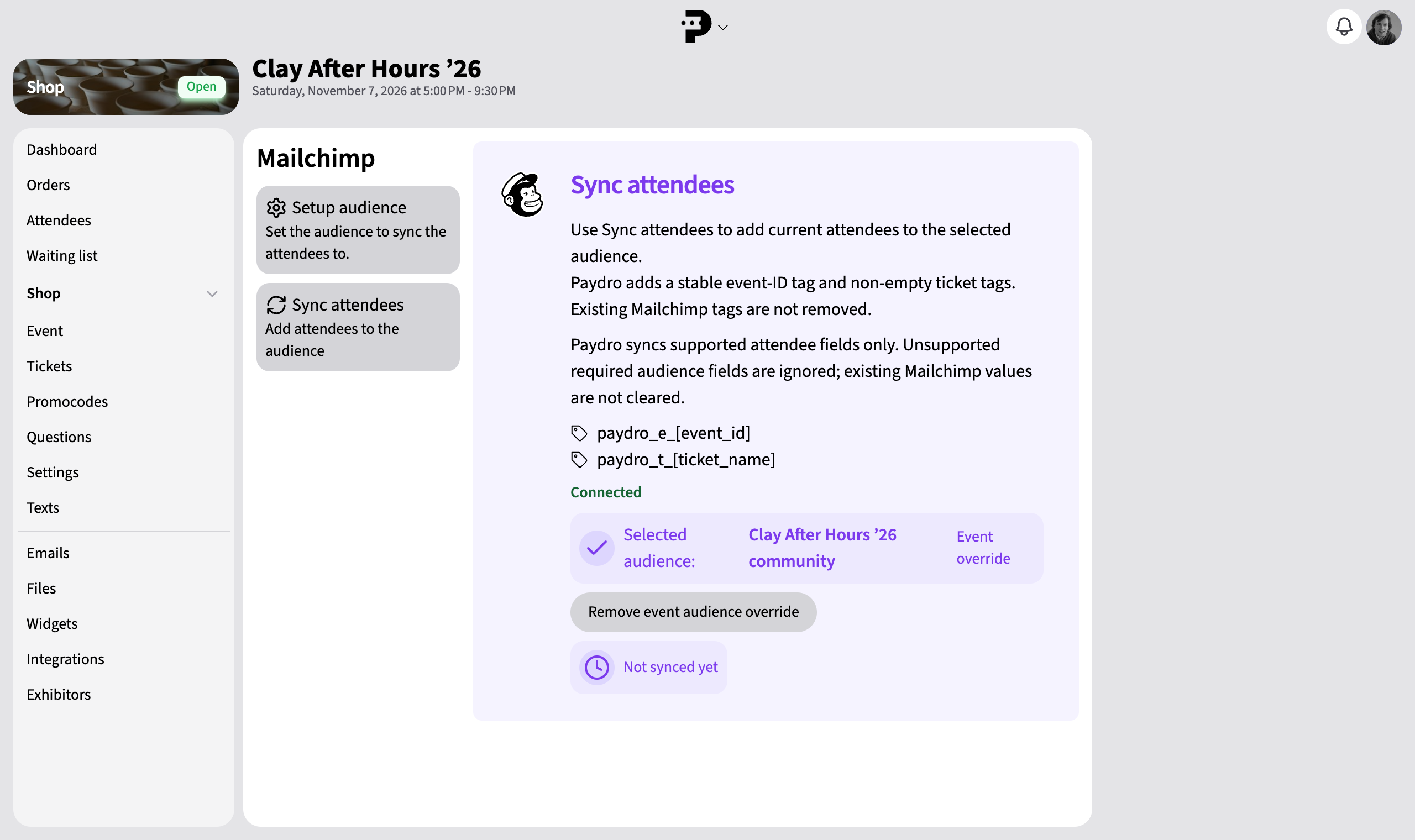
Connect your Mailchimp account. After purchasing a ticket, attendees are automatically added to the right list and tag.
Automatically add attendees to HubSpot so you can find them after the event and follow up.
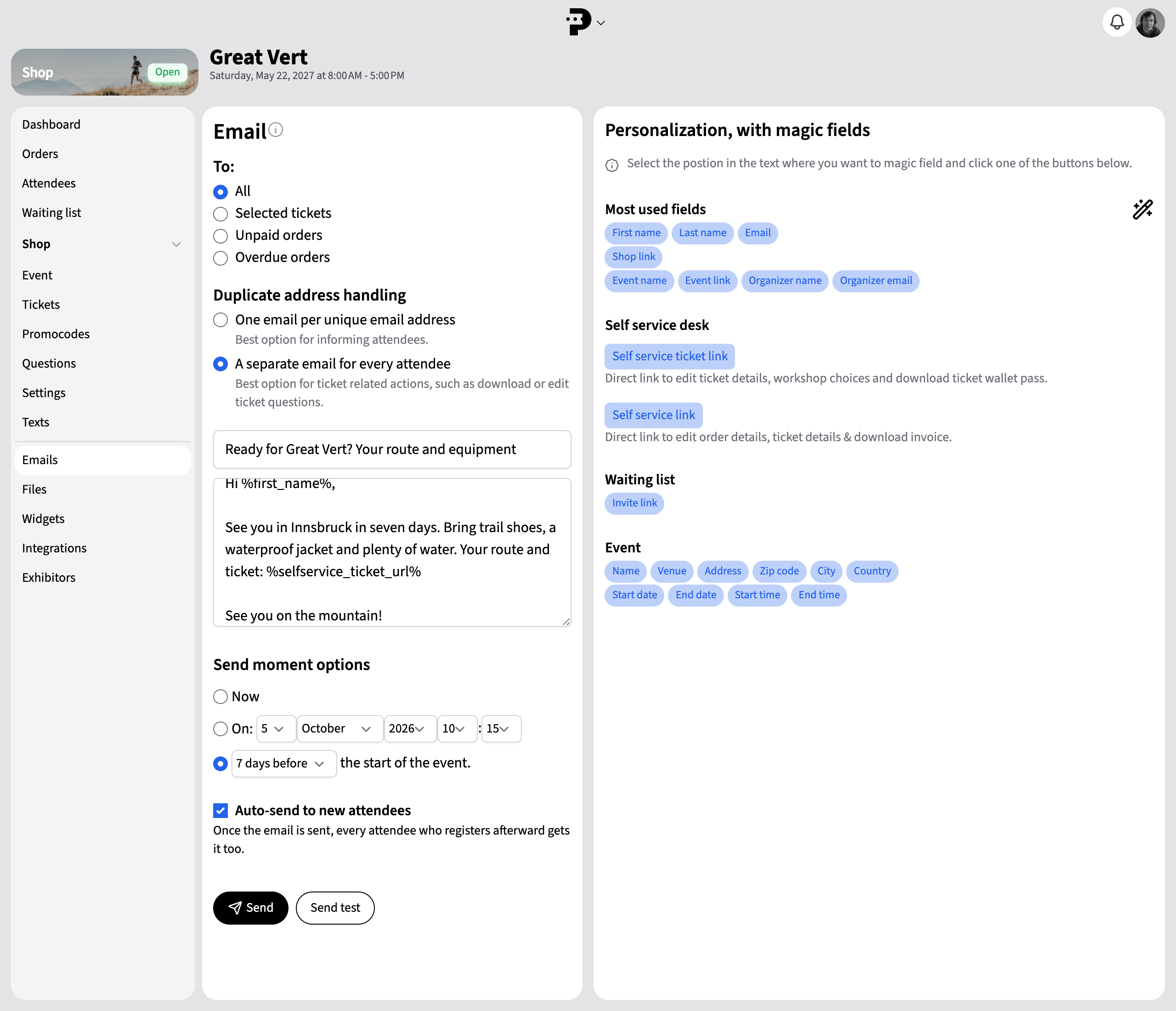
Schedule your emails and reach new attendees automatically.
Schedule an email and use continuous sending to automatically send the same information to new attendees.
Send one email per unique email address or per ticket, with a direct link to the correct self-service page.

Spring 2025
Paydro 6
Power features, Stripe payments and extra account security, plus easier tickets and check-in.
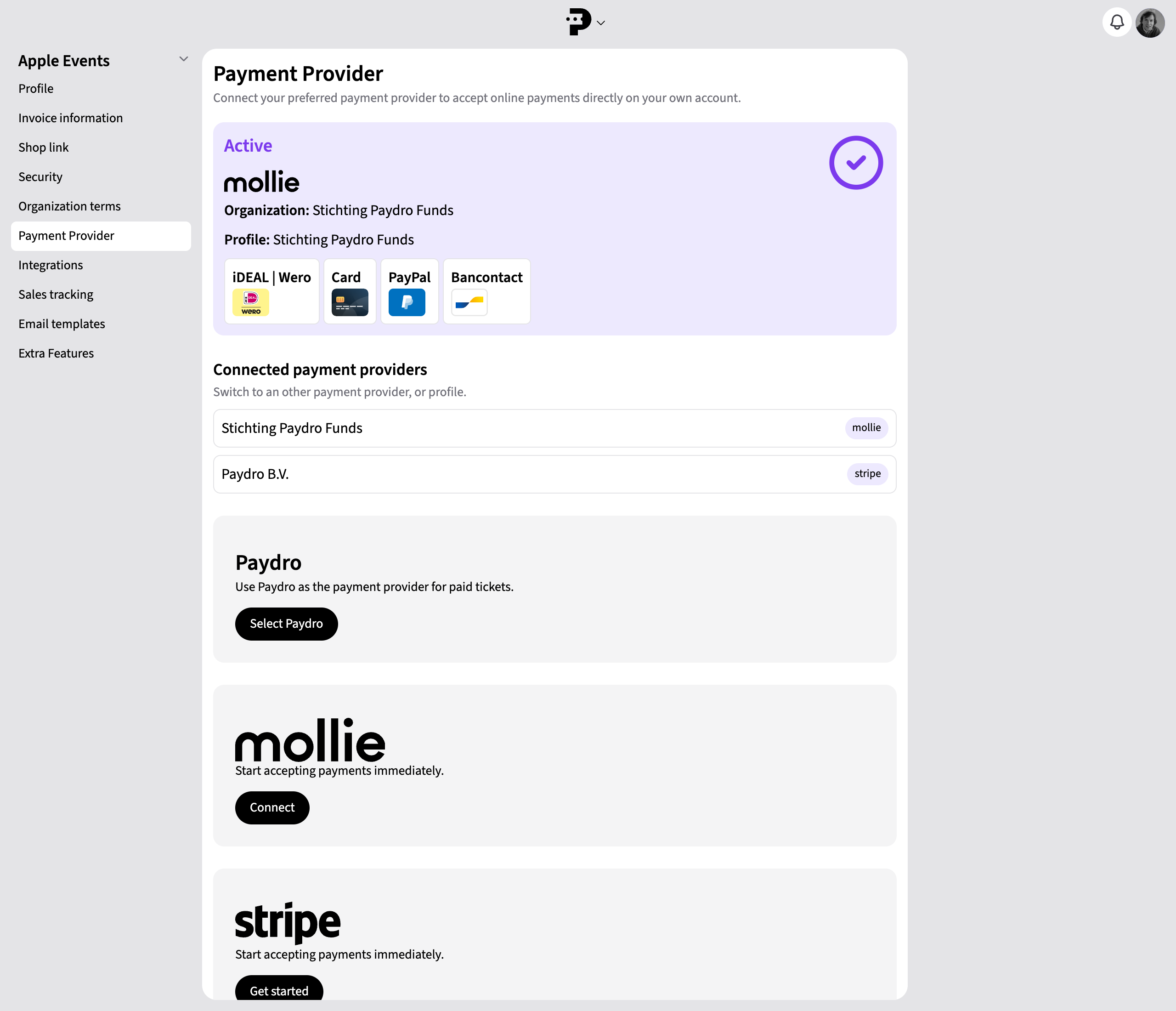
Connect your own Mollie or Stripe account to Paydro and receive online payments through that provider.
Payouts to your bank account follow your payment provider’s terms and payout schedule.

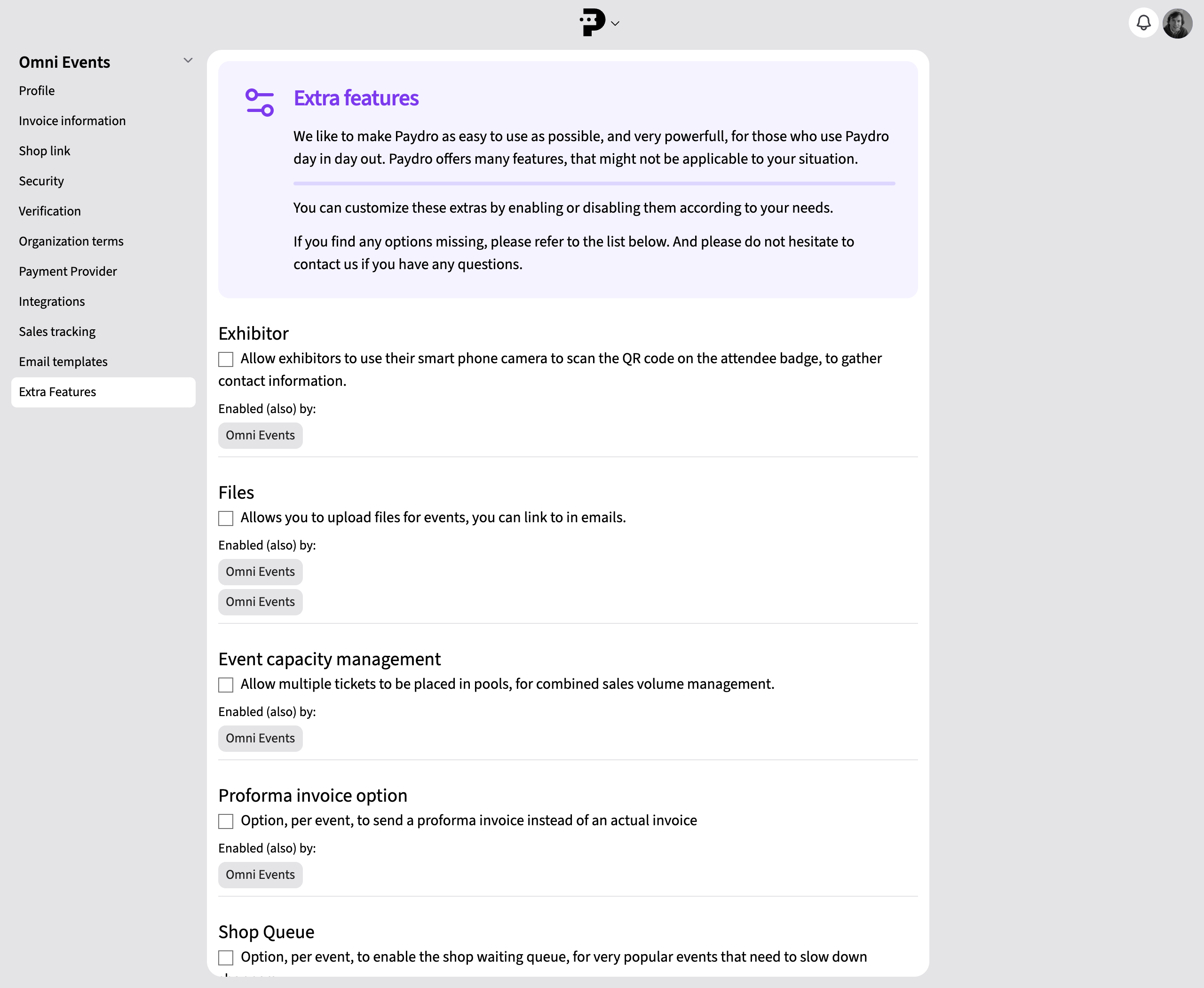
To keep the interface simple, less frequently used advanced features are hidden by default.
You see fewer buttons and options, making the interface easier to navigate.
If you need more or are looking for something specific, choose which advanced features to enable.
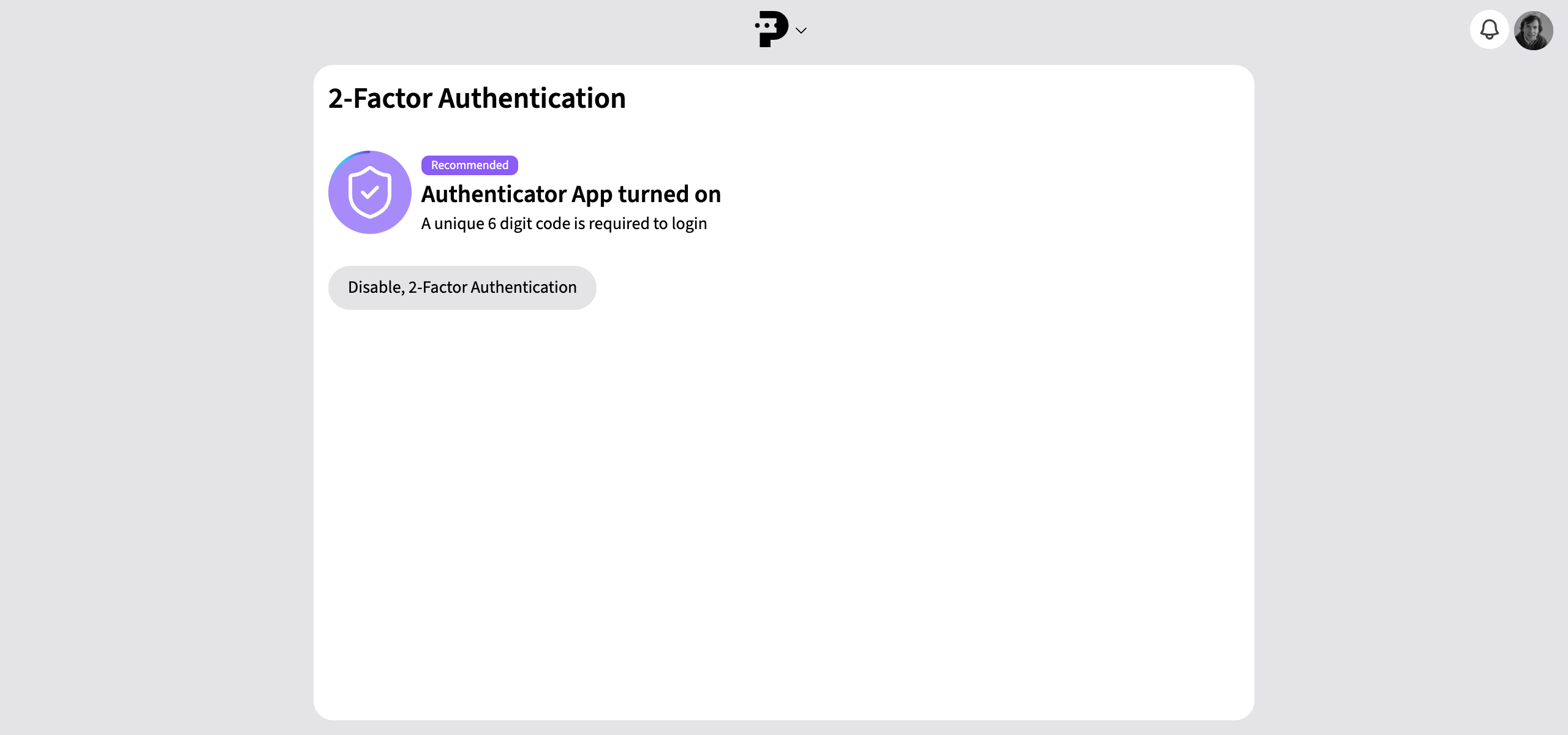
Protect your Paydro account with two-factor authentication.
You’ll need a temporary six-digit code to log in.
You can find it in the Passwords app on your iPhone, for example.
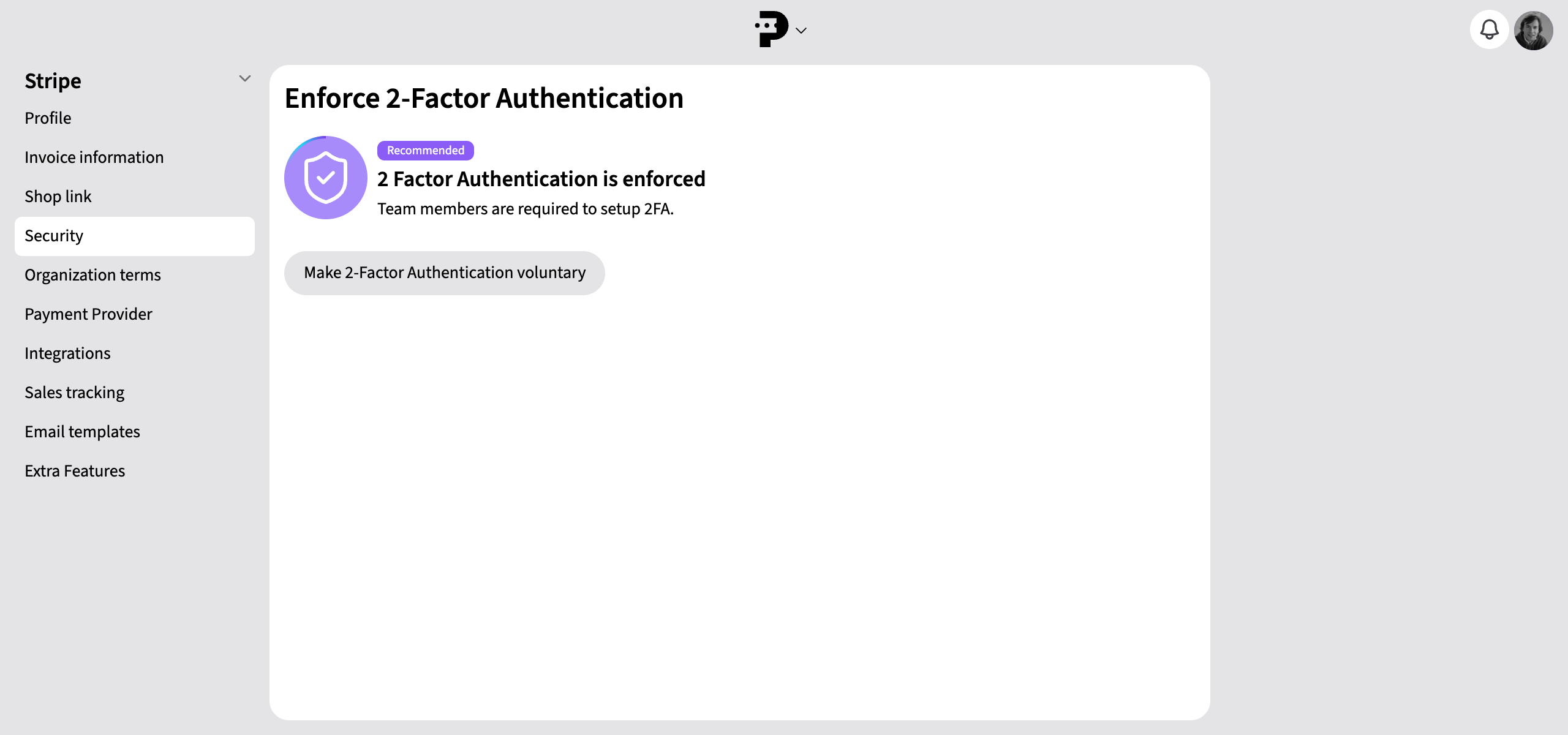
Protect your Paydro account by enabling 2FA for your teammates.
They have two hours to activate it after logging in.
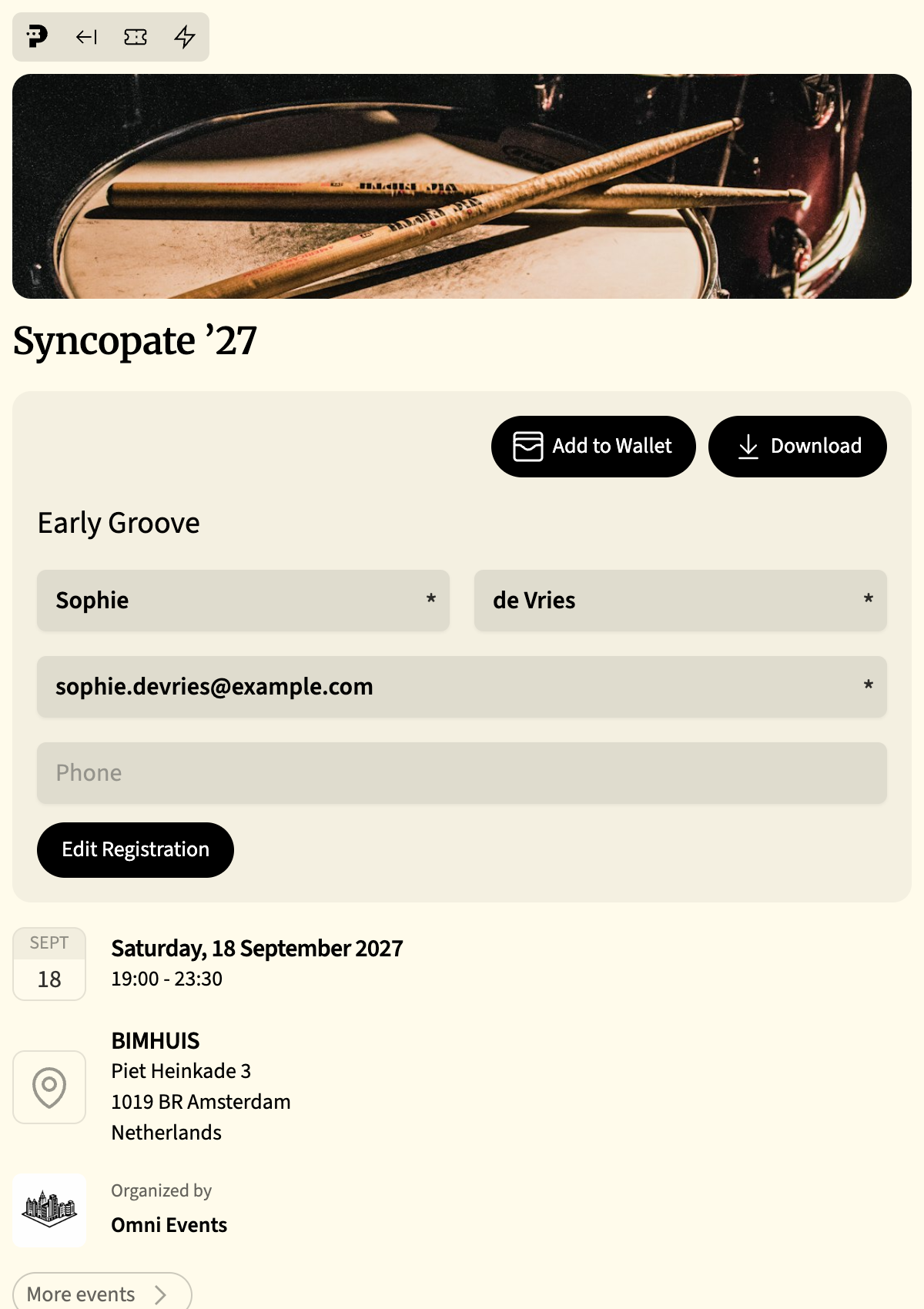
Mobile tickets made simple.
Attendees can add their ticket to the wallet on their iPhone or Android phone.
On the day of the event, the ticket automatically appears on the phone’s home screen for easy check-in.
Useful when you want to start selling tickets later.
Each ticket shows when sales will start or have ended.
Enable the waiting list to start collecting details in advance.


You no longer need an app.
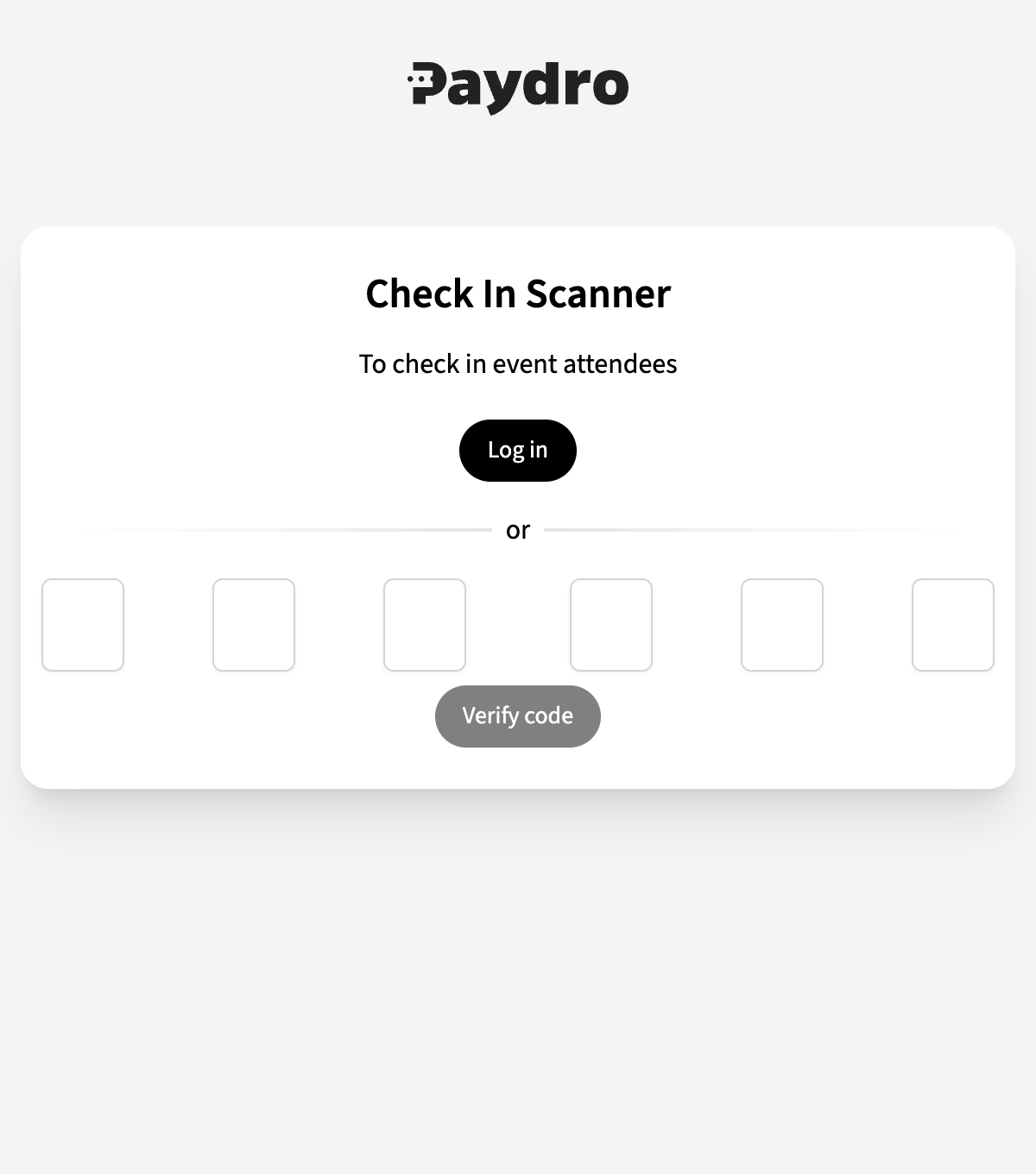
Check in attendees easily with any smartphone.
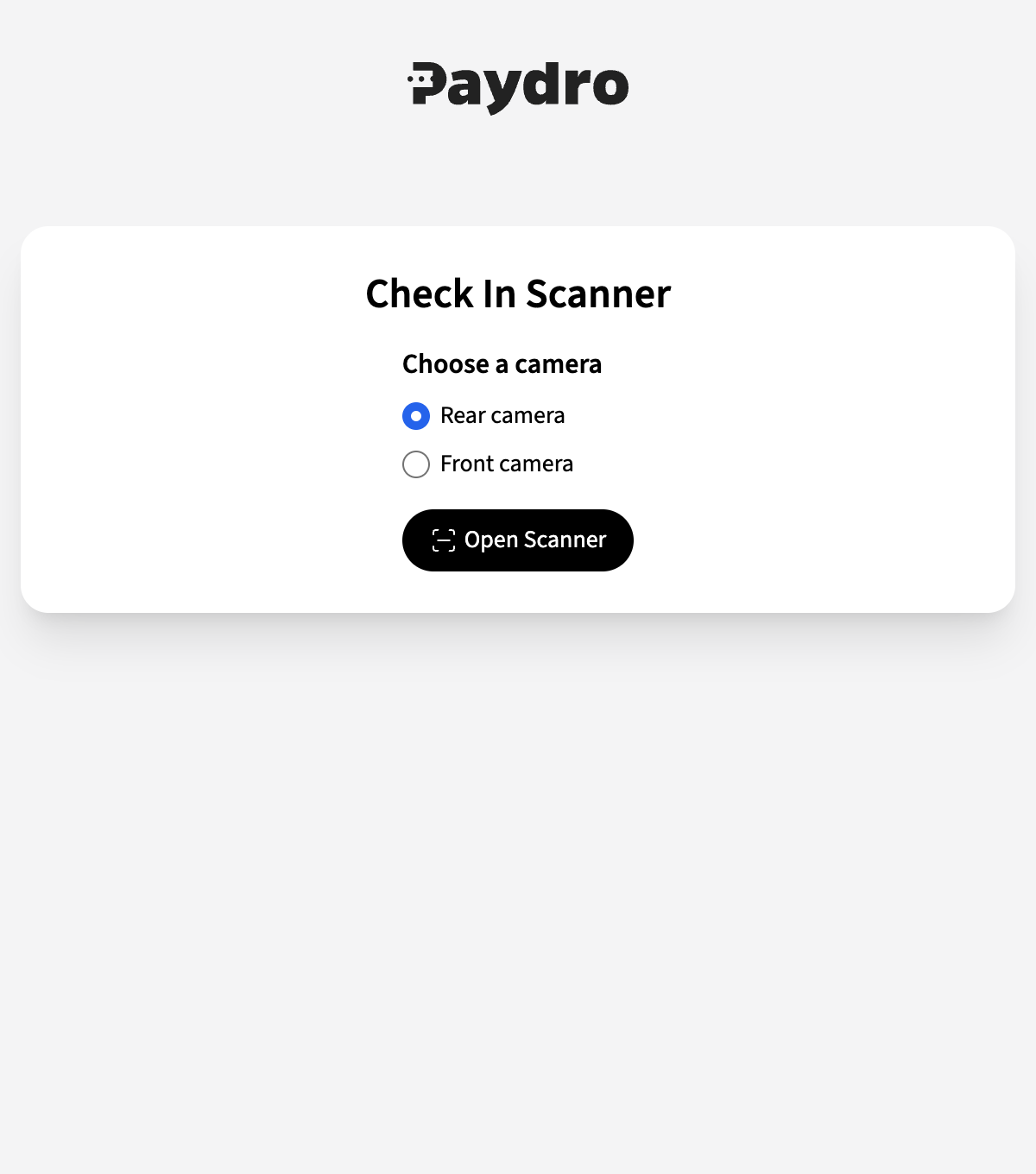
Our new check-in method lets staff check in attendees without giving them access to Paydro.
Useful for temporary staff
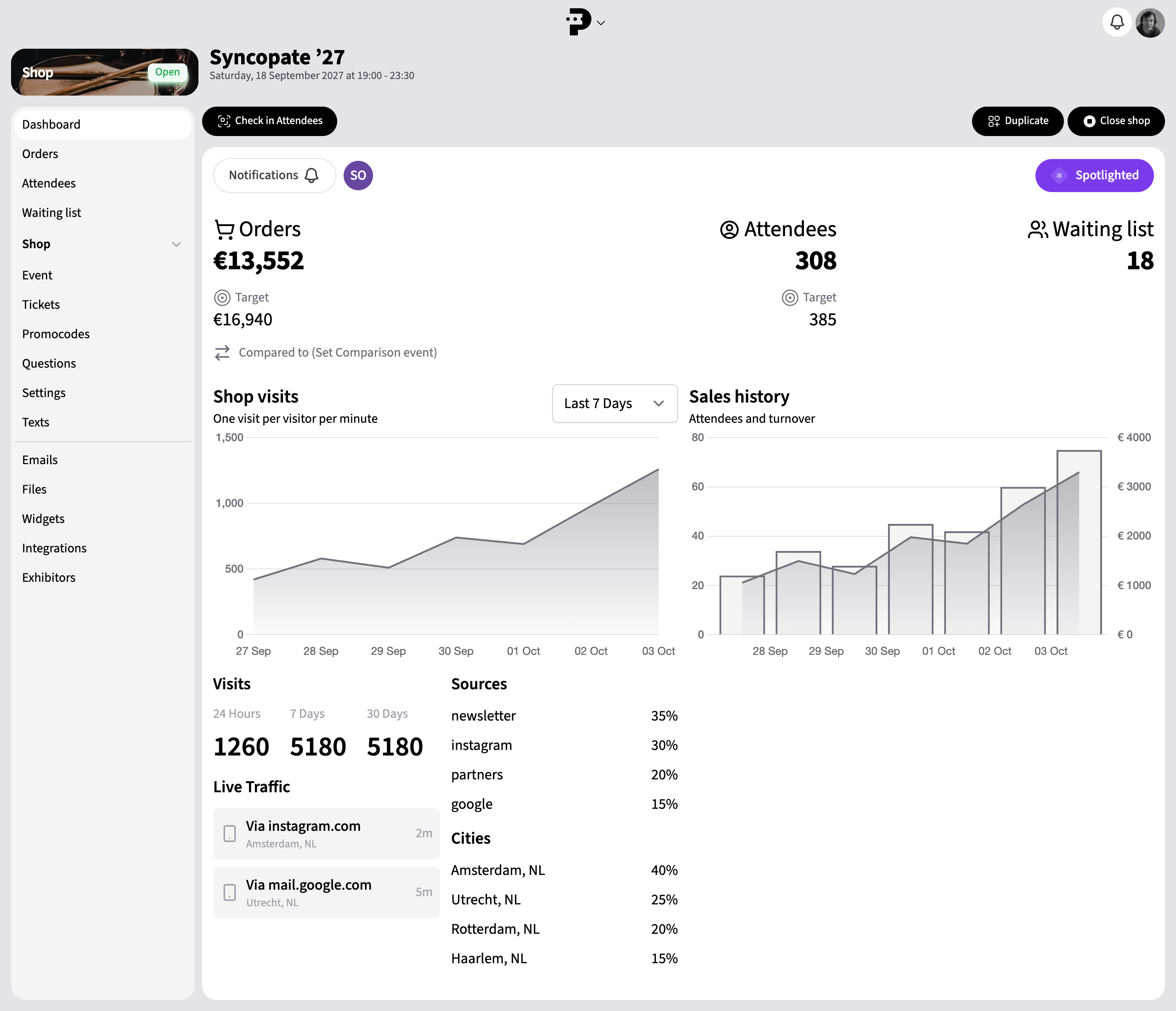
Track live traffic to your ticket shop on your event dashboard.
See which cities your shop visitors come from.
Use UTM tags to see your campaign sources too.
Choose which events to follow and receive notifications in Paydro or your browser.
Set up email copies of registrations and payments for your team too. Receive stock alerts when tickets are nearly sold out.